
The Internet is something that everyone needs. However accessing the Internet is not as secure as we think. The Internet always carries threats with it. To access websites on the web a computer must connect to the Internet. This connectivity with the world can allow hackers to infect a computer and start DDoS attacks when they connect to another machine. This is where a firewall helps us deal with situations.. A firewall is of no use if it is not securely configured enough. We will discuss ways to make the firewall more secure in this blog.
What is a Firewall?
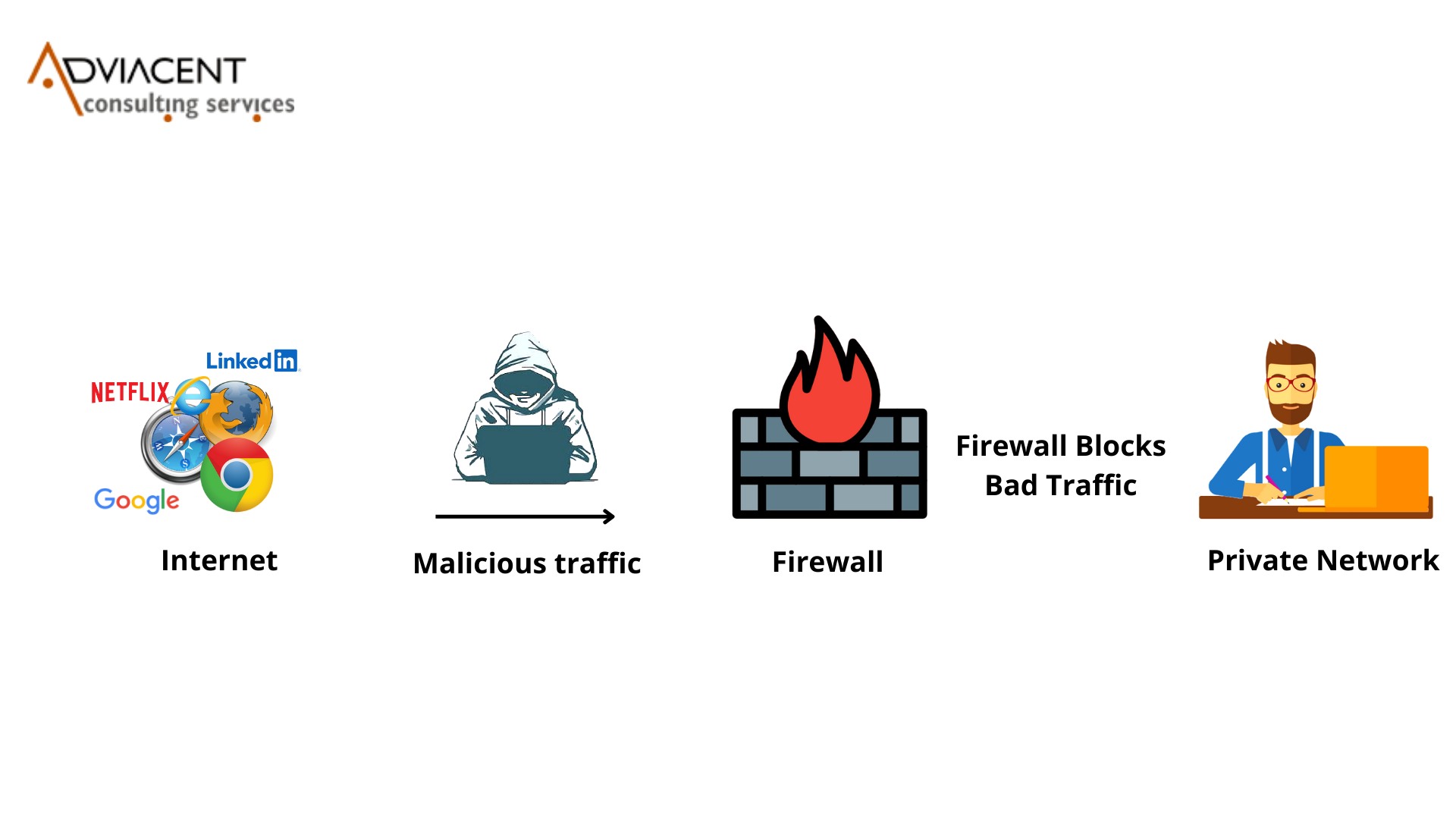
A firewall is a kind of security software that prevents network access or system access. The Firewall serves as a wall that prevents thieves from entering a house. It works the same way a house wall does. The Firewall controls the outgoing traffic providing network security to your computer.
How does a Firewall work?
A firewall is a filter between two networks. The filter monitors data packet traffic incoming from a network and sometimes outgoing to a network. The firewall checks IP addresses, Ports and Protocols to determine if data traffic is allowed to travel to its destination. If an accept rule is not. If a deny rule is found then traffic is prohibited from traveling to the intended destination.
If any incoming data fails to meet the defined security criteria it will be rejected by the network firewall. Users have to configure the firewall according to the work they want it to perform. With configuration you can prevent any unwanted viruses, hackers or any other malicious program from entering your network. The Firewall is a tool to keep your computer safe from the Internet. The Internet is not secure. With a Firewall you can make it more secure. The Firewall is, like a wall that protects your computer from the Internet.
Ways to create a secure Firewall
-
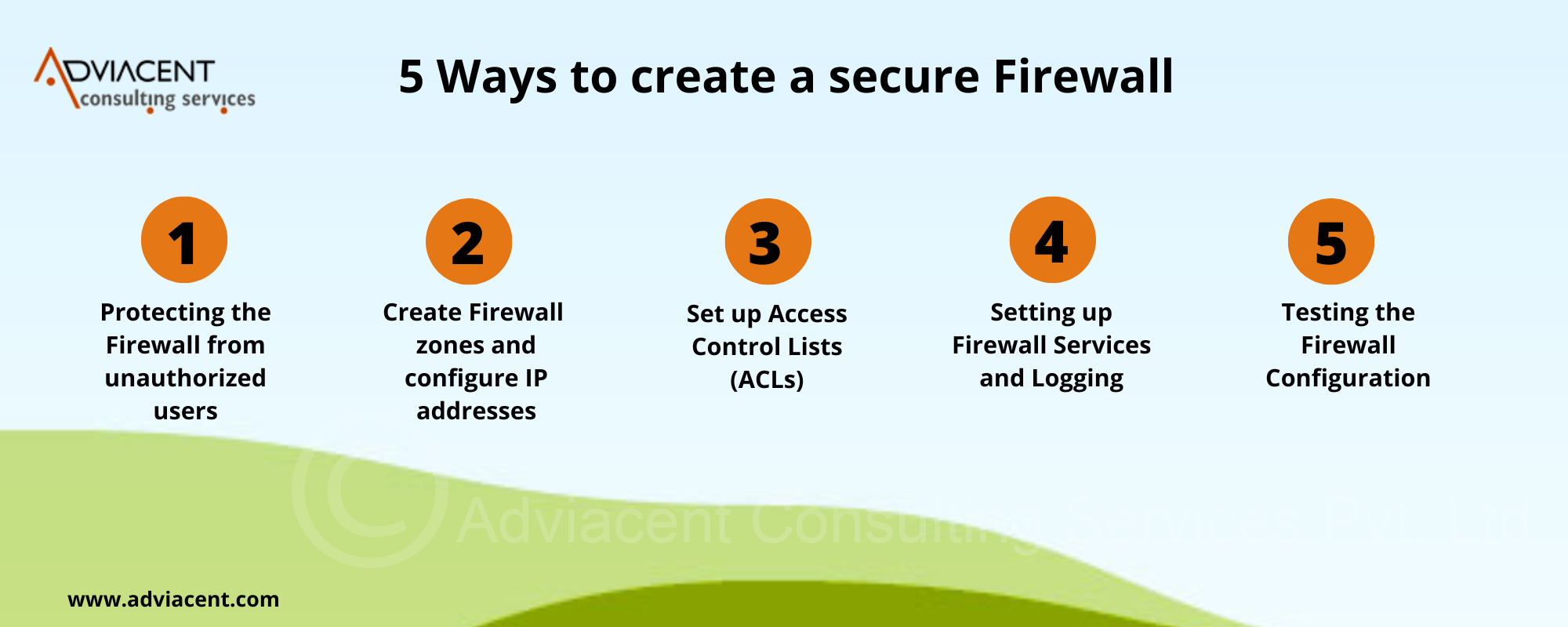
Protecting the Firewall from unauthorized users
Update your firewall software to the version and make sure its default settings are updated. Don’t use accounts that have admins. This helps to prevent access. Ensure you don’t use any default accounts. Create passwords for each account. This keeps your firewall secure. Follow a configuration process. Creating a firewall without configurations is like building a house without planning. You need a plan to make sure everything works well. Always have a request system to make changes in the firewall. Making changes to a firewall through email, text, or phone calls is not a good idea. This helps to prevent mistakes.
-
Create firewall zones and configure IP addresses
Group the assets in your network. For example credit. Customer data. Then map them out so they can be grouped together. Assign them to networks or zones based on their functions and sensitivity levels.
The more zones you set up the safer your network will be. This makes it easier to manage types of network traffic. Multiple firewall zones can also be used to allow types of traffic. Each zone can have its traffic flow.
-
Set up Access Control Lists (ACLs)
ACLs are a way to limit the number of devices. These devices can connect to the network. Each ACL should include a “Deny All” rule. This means that all traffic will be denied. If a user enters the zone through one or more sub interfaces then that user must first be authenticated.
They must also be authorized before they can connect to their account. To ensure security each ACL should also include an “Allow All” rule. This allows all IP addresses on the network to access data in that zone.
-
Setting up Firewall Services and Logging
Firewalls offer services.
Examples include intrusion prevention systems and network time protocol servers. It’s essential to stop running any firewall-supported services that’re n’t in use.
-
Testing the Firewall Setup
Once you’re certain your firewall settings are accurate it is vitally important to test them. For the firewall to operate as intended testing such, as Vulnerability Assessment and Penetration Testing is essential.
Make a backup in case the firewall setup fails while being tested. This helps to prevent data loss.
What is VAPT?
VAPT is a way to test the security of your organizations network. This is also called penetration testing or ethical hacking. The goal of VAPT is to help your organization make its security better without causing any problems to your systems or users.
Penetration testing is about finding out what threats are inside your organizations network. It is also about checking if your security controls are working well and if your network can defend itself against attacks like brute-force attacks and port scanning.
How can Adviacent help you with VAPT and firewall audit?


Vivek Kumar
Cybersecurity Enthusiast
A cybersecurity enthusiast helping businesses with their cyber-risks & understand the growing cyber threats.
I write about the latest news, review products and services on cybersecurity, and do a bit of podcasting.
I hope you enjoyed this post! If you have any suggestions, please leave a comment below.